- Date
- 13 Sep 2027
- Time
- 9.00AM-5.30PM
- Venue
- One World Hotel, Bandar Utama, Petaling Jaya
- Trainer
- Mr. Kelvin
- Fee
- RM 1300 per pax (early bird), normal RM 1500
- Seats
- 15 seats left
- Claim
- HRD Corp claimable
Join this training
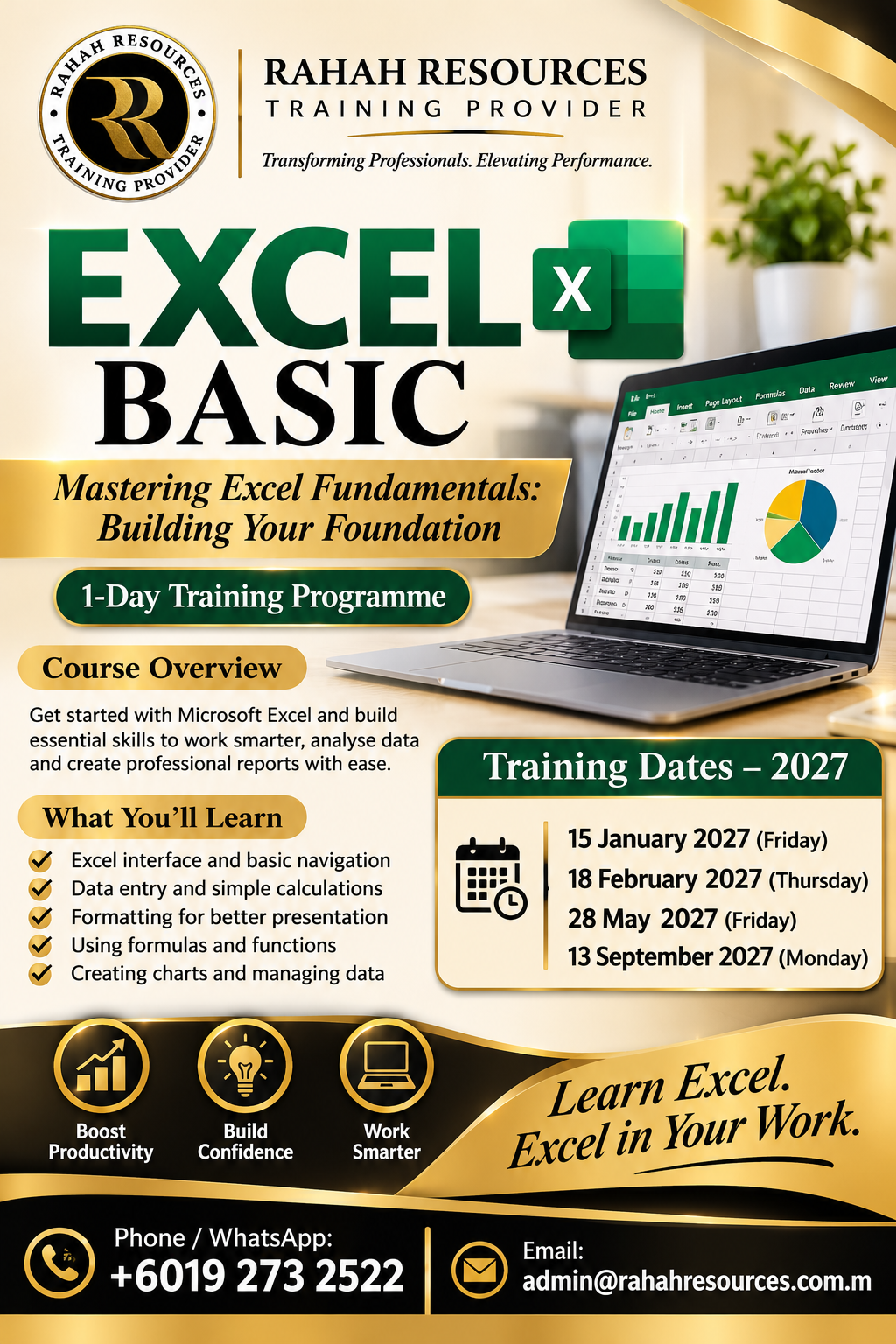
Course Description
Mastering Excel Fundamentals: Building Your Foundation ” is an engaging and comprehensive course designed to equip participants with essential Excel skills for managing data efficiently. The course introduces foundational concepts such as navigating the Excel interface, understanding data types, mastering cell references, and applying number formatting. Participants will also explore advanced yet accessible features like conditional formatting, logical functions, and chart creation. Through hands-on exercises and practical examples, learners will build confidence in leveraging Excel’ s powerful tools to streamline daily tasks and improve productivity.
Learning Outcomes
By the end of this course, participants will be able to:
– Confidently navigate the Excel interface, including the Ribbon, Groups, and Name Box, to access essential tools efficiently.
– Understand and apply different data types and number formatting for clear and professional-looking spreadsheets.
– Utilize cell references and named ranges to enhance the flexibility and accuracy of formulas and calculations.
– Create and format basic charts to visualize and interpret data effectively. Leverage logical functions, conditional formatting, and advanced number formatting to automate data representation and analysis.
– Employ time-saving features such as keyboard shortcuts, custom lists, and efficient worksheet management techniques.
– Develop practical problem-solving skills through hands-on exercises that simulate real-world scenarios.
Target Participants
This course is designed for:
• Professionals who are new to Microsoft Excel and need to build a strong foundation in its features and functionalities.
• Students and individuals aiming to develop basic data management and analysis skills.
• Anyone looking to enhance their productivity by learning time-saving Excel techniques.
• No prior Excel experience is required, making this course ideal for absolute beginners and those with minimal exposure to spreadsheet software.